From scam-spotting and password strength to first phones and family settings — calm, practical
answers that treat you like a person, not a mark. Type your safety question and get a straight answer in seconds,
with no judgement and no scare tactics. The full detailed report costs less than a cup of coffee: $2.95.
17 toolsFree instant local answers≈ one coffee ($2.95) for the full reportNo sign-up · No spam · Educational
Tech Support Scam Awareness: Pop-Ups, Cold Calls & Remote Access
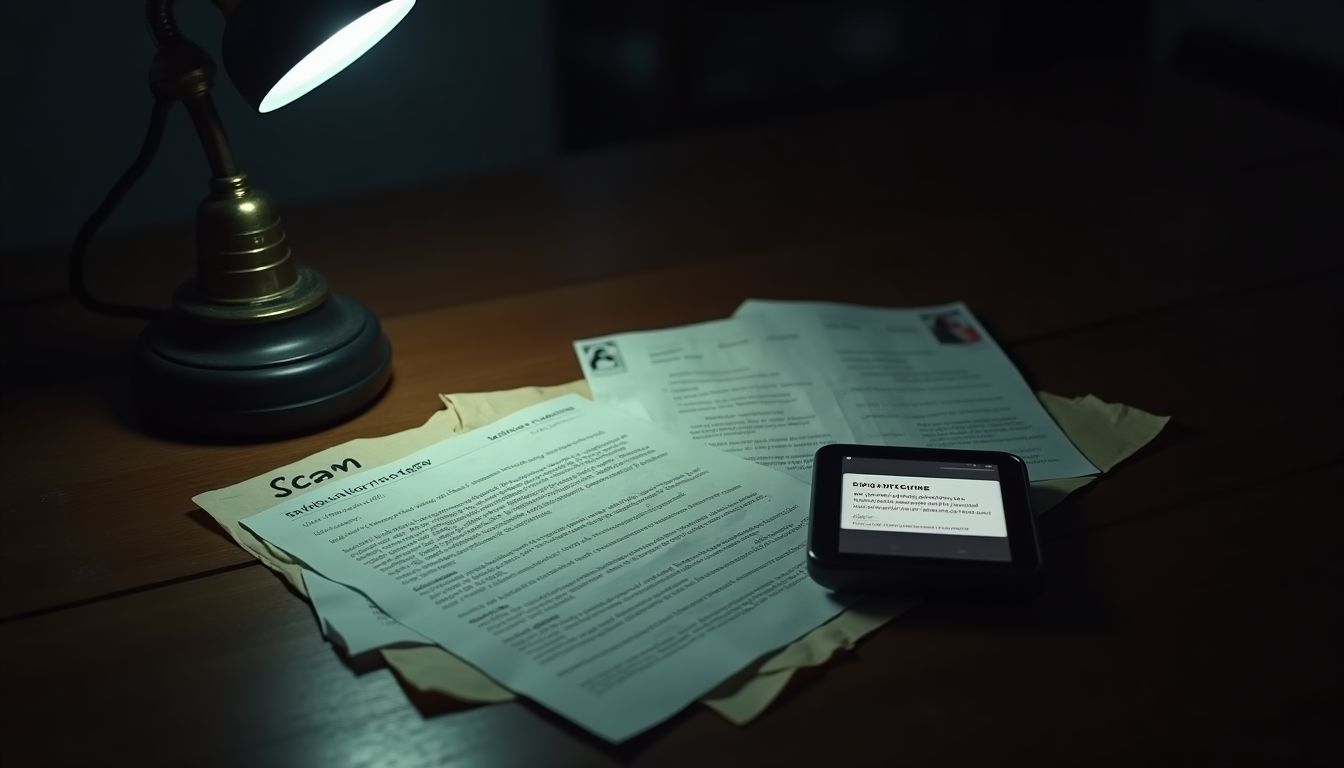
A pop-up screaming that your computer is infected, or a caller claiming to be from Microsoft or your internet provider, is the start of a tech support scam — and the goal is never to fix your computer. It is to get you to call a fake number, install remote-access software, or 'confirm' a refund that ends with you sending money. The scripts are polished because they are rehearsed daily: the fake virus scan, the urgent tone, the request to check your bank balance. This guide explains the scripts plainly, why remote access is the line you never cross with a stranger, and exactly what to do if you have already handed over control — because acting fast after the fact genuinely limits the damage.
⚡ Free instant check
The pop-up, the cold call and the 'virus on your computer' script — how fake tech support works, why they want remote access, and how to hang up safely.
Why it matters
Tech support scams start with a pop-up, a cold call or a fake email warning of a virus, then push you to call a number or install remote-access software.
The goal is remote access to your computer or phone — which lets the scammer see your banking, steal files and 'fix' problems they created.
Fake 'refunds' are a favourite second act: they ask you to check your bank balance so they can 'refund' an overcharge, then talk you into sending money.
Microsoft, Apple and your internet provider do not make unsolicited calls about viruses, and real security alerts never demand gift cards.
Your checklist
If a pop-up or call warns of a virus, do not call the number and do not install anything it names.
Close the pop-up completely (force-quit the browser if needed) rather than clicking any button inside it.
Never let a cold caller take remote control of your computer, whatever they claim to have found.
Never read out codes, passwords or bank balances to someone who called you.
If you already gave remote access, disconnect, change your important passwords from a different device and run a security scan.
Report the call or pop-up to the real company through its official support page.
If money was sent or account details shared, contact your bank immediately.
❓ Tech Support Scam Awareness Guide — FAQ
Do Microsoft or Apple really call about viruses?
No. Real technology companies do not make unsolicited calls about viruses or security problems on your computer, and they never ask for remote access, gift cards or bank details. Any such call is a scam by definition.
I gave a caller remote access to my computer. What now?
Disconnect immediately (turn off the computer or end the session), change your important passwords from a different device, and run a security scan. If you entered banking details or made a payment, contact your bank the same day — that is what determines whether money can be recovered.
What should I do with a virus pop-up?
Do not call the number on it and do not click any button inside it. Force-quit the browser or restart the computer, then run your own security software. If the pop-up reappears, close the browser and clear its data rather than engaging with the warning.
Every tool answers instantly from our own knowledge base and calculators — no AI wait, no account.
Honest checks built on widely reported scam patterns and standard security guidance, always calm and practical —
educational only, never a substitute for reporting a crime or contacting your bank. If you have lost money or believe
you are in danger, contact your local authorities and your bank today.
Want the deeper, personalised version? Each has a $2.95 full report.